
Current public version
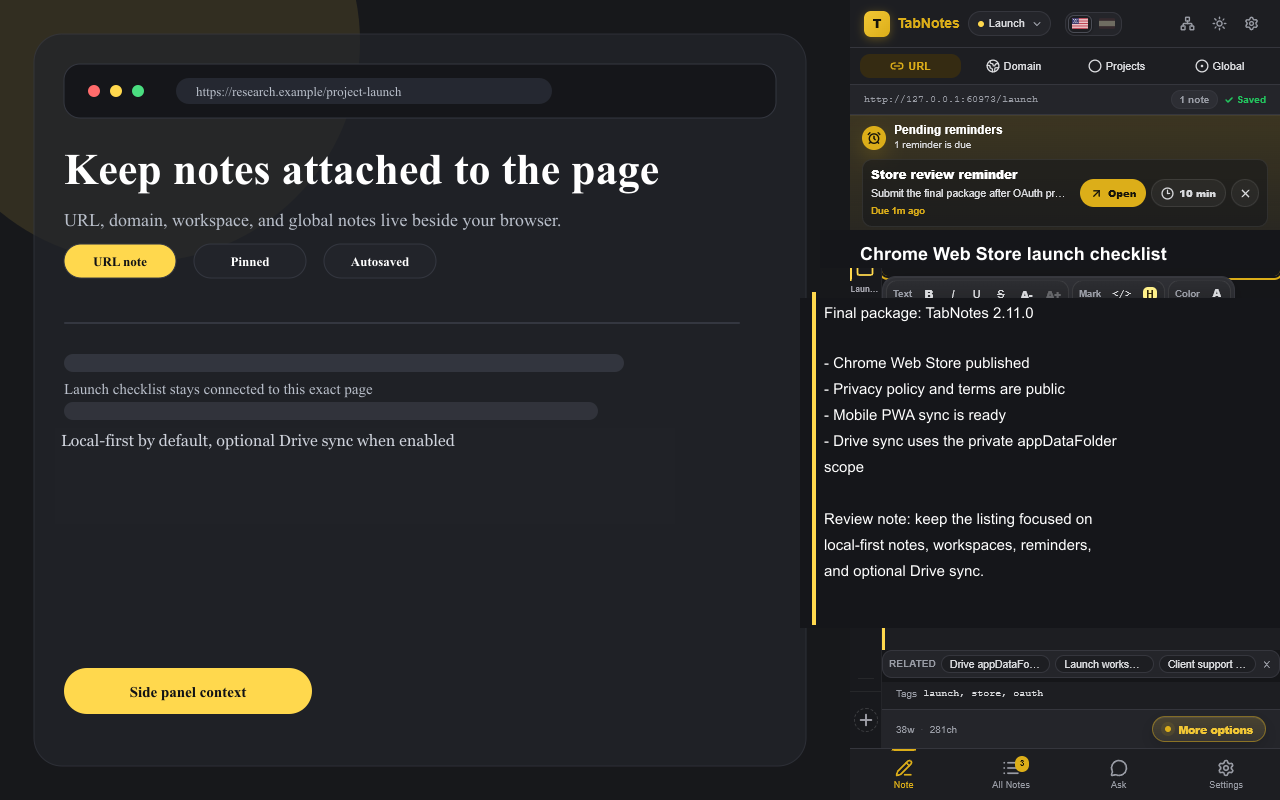
Published on Chrome Web Store
TabNotes
Contextual notes for the exact page, domain, workspace, or browser context you are working in.
Store-safe Chrome extension
Notes stay in your browser by default
Optional private Google Drive sync
Built around your browsing context
The note is already filed before you start writing.
URL notes
Keep page-specific research, forms, bugs, ideas, and references attached to the exact URL.
Domain notes
Maintain shared notes for one website, dashboard, documentation portal, or client app.
Workspaces
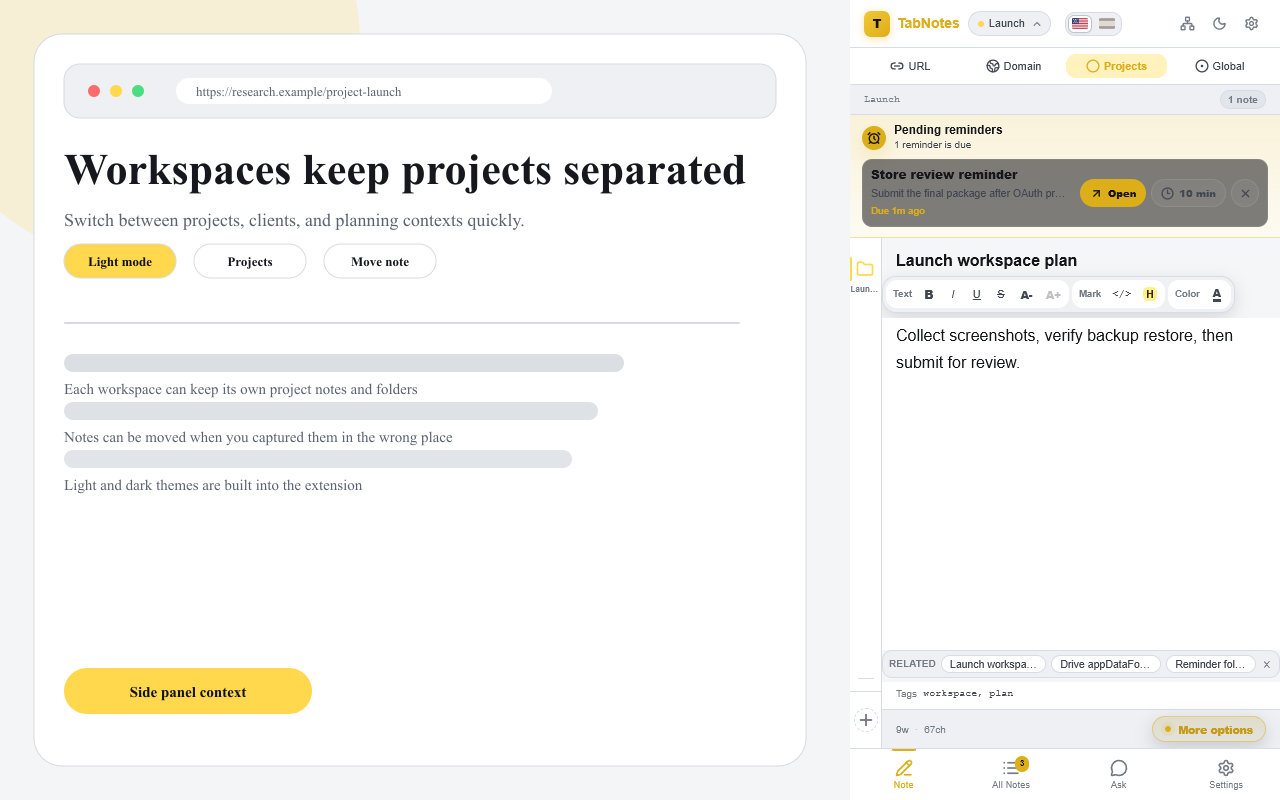
Organize notes by project, client, workflow, or support case without losing context.
Global notes
Use a clean scratchpad that is always available, regardless of the current tab.
Product views
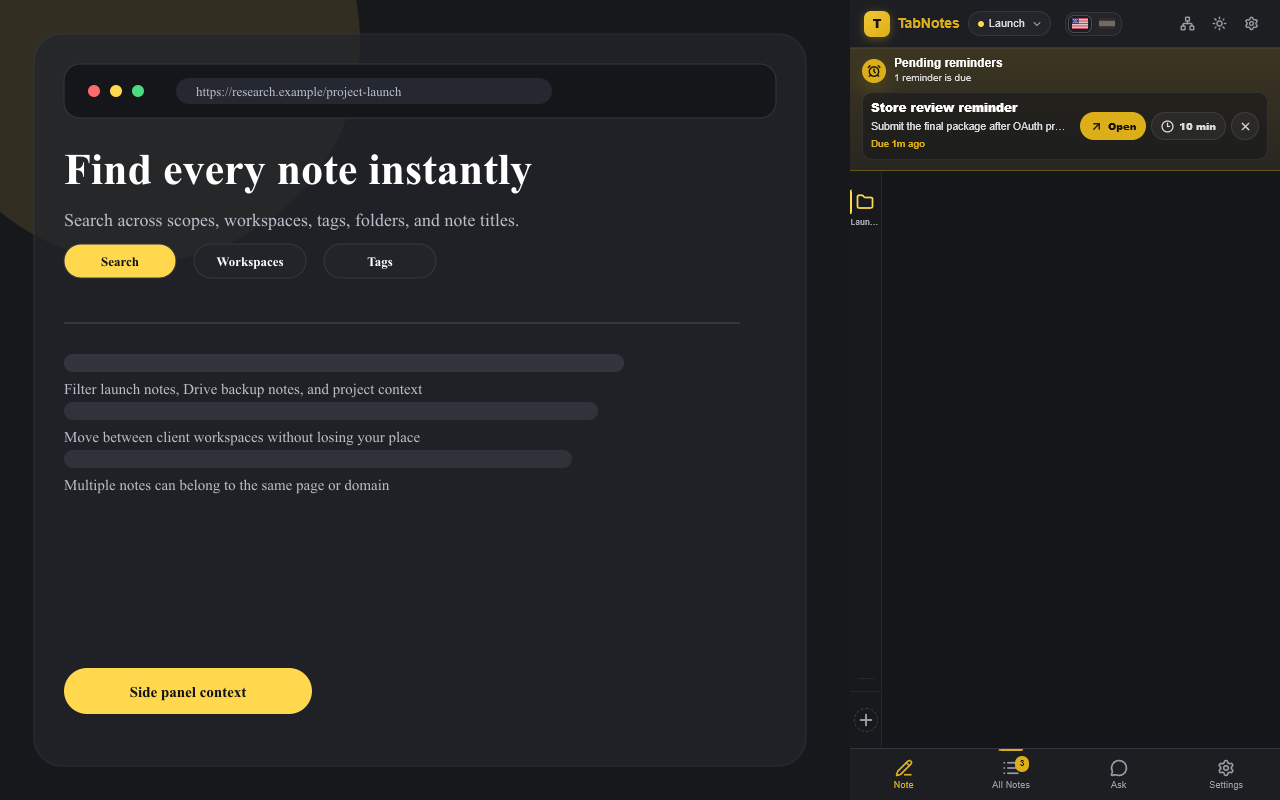
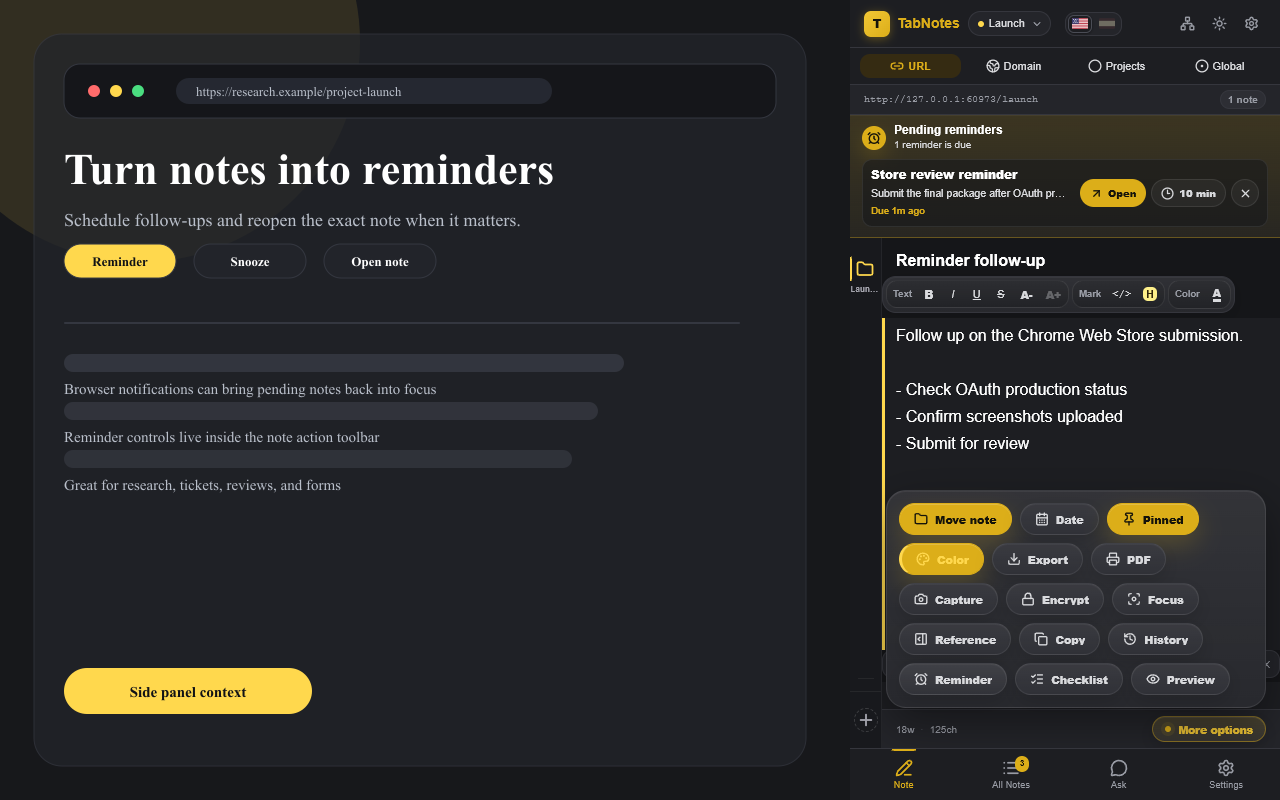
A focused side panel for writing, finding, and restoring notes.
Private by design
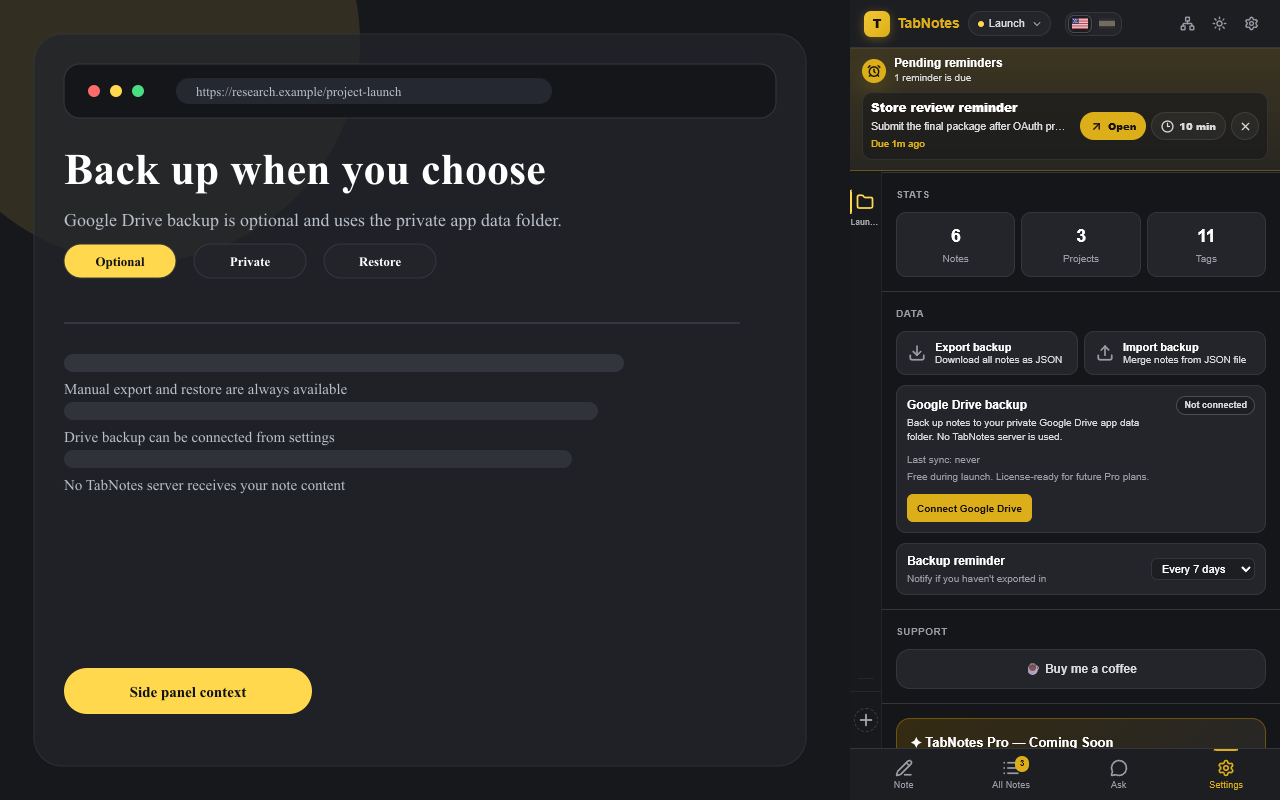
No TabNotes account. No TabNotes server. No tracking.
Notes are stored locally in Chrome by default. Export and restore use JSON files you control. If you enable Drive sync, TabNotes talks directly to Google Drive using the limited drive.appdata scope.